
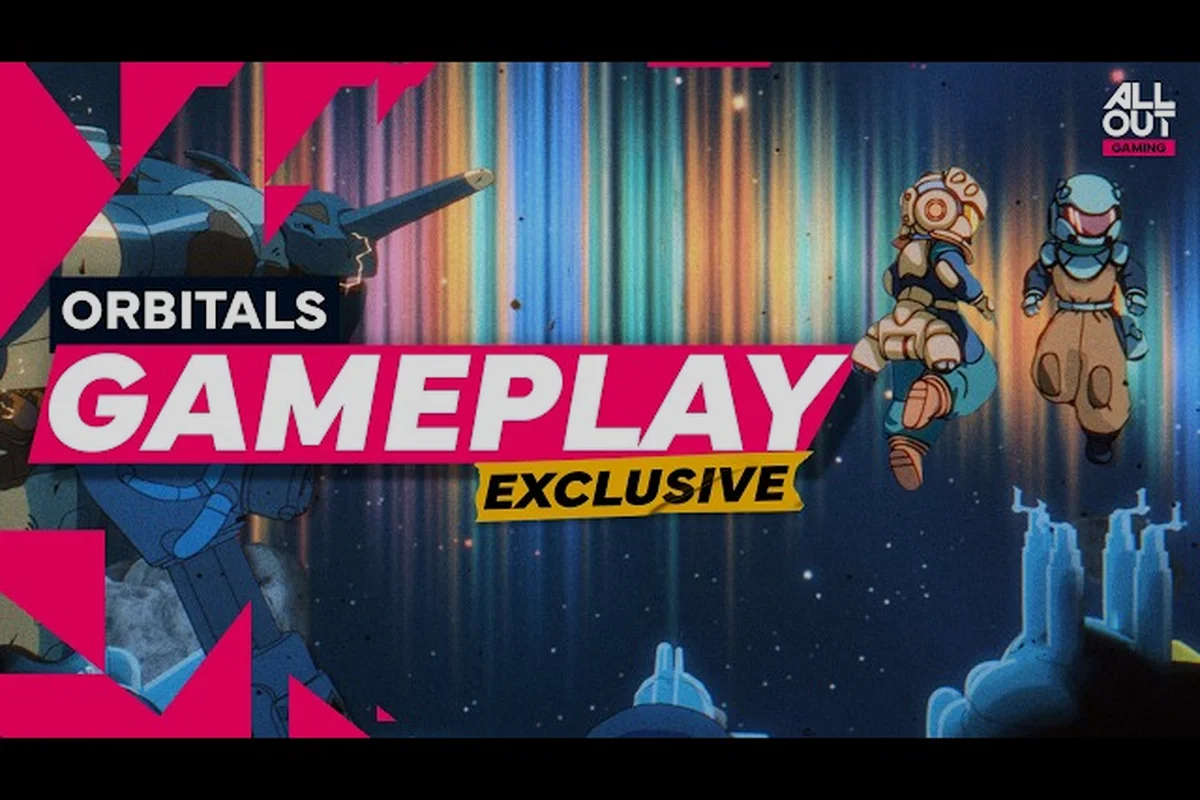
The cleanest way to experience Orbitals before launch is to mute every trailer and let the visuals carry the story. This Orbitals no commentary hub collects the official 4K footage, the press kit's screenshots, and the artwork that has shipped as wallpapers, so you can scan the game's art direction in one sitting. Whether you want a quick gameplay 4K sample to share or a 4K Orbitals wallpaper for your desktop, everything below links straight to the authentic source files.
What the Orbitals No Commentary Collection Includes
Shapefarm and Kepler Interactive have released a tightly curated set of assets in the lead-up to the September 3, 2026 launch on Nintendo Switch 2. The Orbitals no commentary package is designed for fans, press, and content creators who prefer the raw aesthetic of the game without voice-over, music beds, or reaction overlays. The collection spans announcement, gameplay reveal, and release date trailers, all captured at native 4K resolution, alongside an extensive Orbitals screenshots gallery and a layered set of Orbitals artwork that doubles as Orbitals wallpapers for desktop and mobile.
The Three Official Trailers in 4K
Three Orbital trailers anchor the no-commentary experience. Each one runs at 4K, 60 frames per second, and ships without voice-over, so the retro anime visual language does the talking.
| Trailer | YouTube Video ID | Focus | Best Use |
|---|---|---|---|
| Announcement Trailer | bvMDXtgz1bo | Story setup, Maki and Omura reveal, station overview | First introduction, lore primer |
| Gameplay Reveal Trailer | cGWsWOrN-g4 | Asymmetrical co-op puzzles, tool usage, Storm Wall | Mechanics demo, puzzle showcase |
| Release Date Trailer | IBqFf2mXV9Y | Launch window, final environments, release date | Anticipation build, share clip |
Screenshots, Artwork, and Wallpapers in One Folder
Beyond the trailers, the press kit contains Orbitals screenshots grouped by chapter, Orbitals concept artwork that highlights the retro anime palette, and a dedicated wallpapers folder with both 16:9 desktop and 9:16 mobile crops. The screenshots gallery is most useful for studying lighting and color script, while the wallpapers are designed to crop cleanly to ultrawide, standard 1920×1080, and 4K monitor resolutions. The full visual set pairs naturally with the broader Orbitals media coverage, and the Orbitals official screenshots page walks through each region with annotated captions.
Why a No-Commentary Format Works for Orbitals
Orbitals is built on visual storytelling, so a stripped-down format lets the art direction speak for itself. Removing the voice-over exposes the cinematic camera work, the frame-by-frame animation quality, and the puzzle choreography that would otherwise be masked by narration.
Visual Storytelling as a Core Pillar
The game's retro anime inspiration is front and center in every cutscene, and the no-commentary capture makes those choices legible. According to the official store page, the title's 2-player co-op design forces the camera to reframe constantly, which only becomes obvious when you can watch uninterrupted. The same principle applies to the Orbitals wallpapers, which are essentially frozen cinematography frames, chosen because they hold up as standalone compositions.
A Cleaner Reference for Creators and Fans
Editors building a review or a fan video benefit from a commentary-free master because there are no audio stems to mute and no lip-sync drift to chase. The release date trailer, in particular, doubles as a B-roll library for anyone making a launch recap, and pairing it with the Orbitals gameplay 4K capture from the reveal trailer covers both narrative and mechanical beats. For a deeper look at how the trailers were cut, the Orbitals trailer analysis page breaks down the camera language in scene order.
How the 4K Footage Is Captured
Capturing a Nintendo Switch 2 title at native 4K requires more than upscaling a 1080p feed. The Orbitals press team records directly from a dev kit using capture hardware that preserves HDR metadata and 10-bit color, then re-encodes the master for YouTube with a low compression bitrate. That pipeline is what makes the Orbitals gameplay 4K clips retain the cel-shaded outlines and the neon lighting accents without banding.
Resolution, Frame Rate, and Color Profile
| Setting | Value | Why It Matters |
|---|---|---|
| Resolution | 3840 × 2160 (4K UHD) | Pixel-peep character sprites, background detail |
| Frame Rate | 60 fps | Smooth animation, no judder on co-op camera cuts |
| Color Depth | 10-bit (REC.709) | Preserves gradient skies in the Storm Wall sequences |
| HDR | HDR10 master, SDR fallback | Optional HDR on supported displays |
| Audio | Stereo mix, music and SFX only | No commentary track, easy to mute further |
Why the Bitrate Choice Matters
A 4K60 video bitrate below roughly 60 Mbps tends to smear cel-shaded outlines, and any compression on a dark space scene can crush the contrast between the station hull and the starfield. The official upload hovers near the YouTube 4K ceiling, which keeps the Orbitals wallpaper stills and the trailer freeze frames usable as direct wallpaper sources when you need a single hero shot. If you want a written walkthrough of the same beats covered visually, the Orbitals official trailer page lists every cut and transition in chronological order.
Screenshots and Artwork Breakdown
The screenshot and artwork folders mirror each other in spirit: the screenshots show the game as it actually plays, while the artwork shows the world as it was designed. Both are valuable, but they answer different questions for different audiences.
Screenshots by Chapter
| Chapter | Setting | Key Visual Motif | Sample Use |
|---|---|---|---|
| Prologue | Orbital dock, briefing room | Twin silhouettes, blue dawn | Opening slide, lore thumbnail |
| Storm Wall Approach | Outer ring, magnetic storms | Magenta lightning, static | Header banner, wallpaper |
| Maintenance Tunnels | Inner hull, crawlspaces | Yellow service lights | Puzzle explainer, comparison |
| Greenhouse Deck | Bioluminescent garden | Teal foliage, soft particles | Calm tone wallpaper, end card |
| Engine Core | Central reactor | Orange heat haze | Climax freeze frame, hero shot |
Artwork vs. In-Engine Screenshots
Concept Orbitals artwork tends to be more saturated and slightly stylized compared with the in-engine Orbitals screenshots, which is intentional. Artwork sells the mood; screenshots sell the fidelity. The artwork folder also includes character key art, environment paintings, and box art variants, all of which are released under the same press kit license, so you can use them freely for non-commercial fan work as long as the credits stay attached. For a frame-by-frame tour of the press kit, the Orbitals reveal event page documents every asset shipped during the announcement window.
Wallpapers: Sizes, Crops, and Best Picks
The wallpapers folder is the most practical part of the collection. Each piece of Orbitals artwork is exported in at least three crops so it can sit cleanly on a 16:9 monitor, a 21:9 ultrawide, or a 9:16 phone screen. Picking the right source depends on the aspect ratio of your display and the amount of negative space you want around the focal character or environment.
Recommended Wallpapers by Display Type
| Display | Source File | Why It Works |
|---|---|---|
| 1920 × 1080 monitor | Greenhouse Deck screenshot | Soft palette, no busy edges at 16:9 |
| 2560 × 1440 monitor | Engine Core artwork | Vertical heat plume suits a taller frame |
| 3440 × 1440 ultrawide | Storm Wall key art | Wide horizon, magenta horizon line |
| iPhone / Android (9:16) | Maki and Omura character art | Centered subject, no text loss on crop |
| 4K TV (3840 × 2160) | Release date trailer freeze frame | Maximum detail, minimal compression |
Quick Crop Tips
If you only have access to a 16:9 master, you can still produce a clean phone wallpaper by zooming slightly and accepting a small amount of edge crop. The art is composed with a generous safe zone around the main subject, so the crop hides well. The same trick works in reverse for ultrawide users, who can extend a 16:9 wallpaper with a black or gradient fill on either side, although the official ultrawide export is the better choice when it is available. If you would rather have a moving background, the Orbitals gameplay 4K clip trimmed to a 10-second loop also doubles as a subtle animated wallpaper at the cost of a few CPU cycles.
Practical Ways to Use the No-Commentary Package
The Orbitals no commentary release is more than a hype tool. It is a working asset library for editors, modders, fan artists, and anyone who wants a clean preview of the game without spoilers. A few common use cases are worth calling out so you can decide which asset fits your project.
Editing, Reaction, and Review Workflows
Editors who need B-roll for a review video can drop the gameplay 4K clip straight onto a timeline and overlay their own voice track. Reaction channels can play the release date trailer at half speed without losing lip-sync, because there is no voice-over to anchor against. Press outlets writing launch coverage can pull the artwork and the screenshots under the press kit license, which is confirmed on the Orbitals Official Game Website and the Kepler Interactive publisher page. If you want a pre-order summary alongside the visuals, the Orbitals pre-order update post covers the pricing and platform details.
Fan Art and Desktop Customization
Fan artists often start from the character key art, which is released in layered PSD and high-resolution PNG. The same files crop beautifully into phone wallpapers, Discord avatars, and stream overlays. For desktop users, the 4K wallpapers retain enough detail that they hold up on 27-inch and 32-inch monitors without any upscaling, and the ultrawide variants solve the pillarboxing problem that 16:9 art usually leaves behind. Pairing an Orbitals wallpaper with a static screenshot of the same scene can also create a matching icon and dock set without extra design work.
Tips for Archiving the Footage in 4K
Because YouTube re-encodes every upload, downloading directly from the platform is rarely the best way to keep a true 4K master. The press kit includes a higher-bitrate version of each trailer, and the official site links to a downloadable bundle for accredited press. For personal archives, a screen capture from a 4K stream at 60 fps is usually close enough, but it will not match the bitrate of the source file.
Recommended Capture Settings for Personal Use
| Tool | Output Resolution | Bitrate Target | Notes |
|---|---|---|---|
| Dev kit capture card | 3840 × 2160 | 80–100 Mbps | Closest match to source master |
| Consumer capture card | 3840 × 2160 | 50–60 Mbps | Good balance of size and quality |
| Software screen recorder | 2560 × 1440 | 30–40 Mbps | Smaller files, slight detail loss |
| Phone capture (DLNA) | 1920 × 1080 | 10–15 Mbps | Last resort, not recommended |
Storage and Naming Tips
A single 4K60 Orbitals gameplay 4K clip at the recommended bitrate runs roughly 4 GB per minute, so a 90-second trailer is about 6 GB. Plan your archive folder structure around the trailer, screenshot set, and wallpapers, and use a consistent naming scheme such as orbitals_<category>_<date>_4k.<ext>. That makes it easy to find a specific Orbitals wallpaper months later without scrubbing through a downloads folder. The same convention also helps if you ever share the archive with another creator, because the file names alone tell the story of what is inside.
Frequently Asked Questions
What is included in the Orbitals no commentary package?
The package includes the announcement, gameplay reveal, and release date trailers in 4K without voice-over, the full Orbitals screenshots gallery grouped by chapter, the Orbitals concept artwork set, and a wallpapers folder with 16:9, 21:9, and 9:16 exports. All assets ship in the official press kit and are licensed for press and fan use, according to community reports from outlets that received the kit.
Where can I download the official 4K Orbitals wallpapers?
The wallpapers are part of the press kit linked on the Orbitals official website. You can browse the desktop and mobile crops directly from the kit's wallpapers folder, and accredited press can request the full bundle, including the layered PSD sources. Fan-friendly PNG exports of the same artwork are also posted in the press kit's public mirror.
Can I use the Orbitals no commentary footage in my own video?
Yes, under the press kit license. You may overlay your own commentary, remix the footage with review B-roll, and clip short sections for reaction or analysis. The license requires that you credit Shapefarm as the developer and Kepler Interactive as the publisher, and that you do not redistribute the raw master files outside of a finished edit.
Does the 4K Orbitals gameplay capture include audio?
The official uploads include a stereo mix of the in-game music and sound effects, with no commentary. The press kit's clean audio stems let editors swap in their own track or mute the audio entirely, which makes the footage a flexible base layer for any project that needs crisp visuals without baked-in voice-over.
Will more Orbitals wallpapers ship after launch?
Community reports suggest the developers plan to release additional wallpapers tied to post-launch content, including potential new chapters and seasonal event artwork. The press kit's wallpapers folder is the official channel, and new entries typically appear there first before being reshared on social channels.