Co-op & Friend's Pass
All the ways two players can team up in Orbitals: local co-op, GameShare, online play and the free Global Friend's Pass app on Nintendo Switch 2.
Introduction
The Co-op & Friend's Pass hub answers the question every Orbitals fan asks first: how do we play together? Orbitals is a two-player co-op puzzle adventure on Nintendo Switch 2, and there are several official ways to team up. You can play local co-op on a single console with two controllers, share your copy with a friend on another Switch model through local GameShare, play online GameShare with another Switch 2 owner, or use the free Global Friend's Pass app so a friend who does not own the game can play the full experience with you. This section explains each mode, what you need for it, and how to set up the free demo before launch day.
Co-op Mode Comparison
| Mode | Devices | Requirements | Cost |
|---|---|---|---|
| Local Co-op | One Switch 2 | Two sets of controllers | One copy |
| Local GameShare | Switch 2 + Switch/Switch Lite/OLED | Both players nearby | One copy |
| Online GameShare | Two Switch 2 consoles | GameChat + Nintendo Switch Online | One copy |
| Global Friend's Pass | Any Switch 2 | Free app download | Free |
Co-op Modes Deep Dive
Local Co-op
One console, two controllers, one screen.
Global Friend's Pass
A friend plays the full game at no cost.
Online GameShare
Two Switch 2 consoles, one copy of the game.
Local GameShare
Share your copy with a friend on another Switch model.
Core Mechanics
The co-op system is built around flexibility. Local co-op is the most straightforward: one Switch 2, one copy of the game and two sets of controllers, with both players on the same screen. Local GameShare extends that to friends with original Switch, Switch Lite or OLED consoles so they can join your session nearby. Online GameShare connects two Switch 2 owners over the internet, requiring GameChat and a Nintendo Switch Online subscription for the online session. Finally, the Global Friend's Pass is a free app that lets a friend play the full game without buying it — and it includes a free local co-op demo of the opening chapter, making Orbitals remarkably easy to try before you buy.
Advantages
The biggest advantage of Orbitals' co-op lineup is that almost nobody is left out. If your friend does not own a Switch 2 yet, local GameShare works on older Switch models. If they do own a Switch 2 but not the game, the Global Friend's Pass gives them the full experience for free. If both of you own the game, online GameShare and online play cover distance. The free demo means you can test the opening chapter locally before committing to a purchase, which is a strong confidence boost for a co-op-first purchase.
Challenges
The main weakness is platform dependence. Every co-op mode requires at least one Nintendo Switch 2, and online play depends on GameChat and Nintendo Switch Online — extra setup that some players will find fiddly. Local GameShare still needs a second compatible Switch-family console. Finally, because Orbitals is designed strictly as a two-player co-op experience, there is no meaningful single-player or matchmaking mode for those without a regular partner.
Frequently Asked Questions
What is the Global Friend's Pass?+
Do I need Nintendo Switch Online for co-op?+
Can my friend on an older Switch play with me?+
Quick Tips
If both of you are in the same room, start with local co-op — no downloads, no subscriptions, just two controllers.
Use the free demo before buying: try the opening chapter with your partner to see if the asymmetric puzzles click for you both.
For online sessions, make sure both players have GameChat set up and a stable connection before starting the first puzzle.
Featured
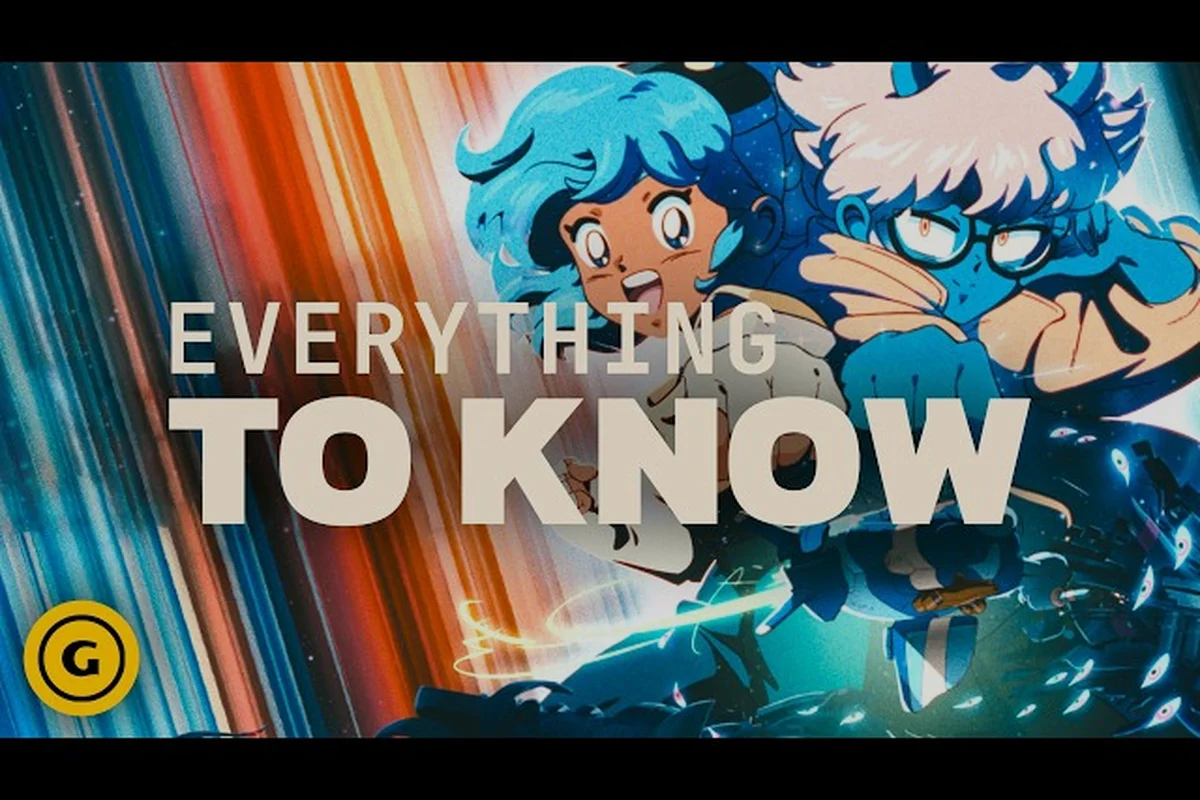
Orbitals how to get friend pass: download steps and setup
Follow this Orbitals how to get friend pass walkthrough: download the Global Friend's Pass app, link it to the host's game, and start asymmetric co-op.
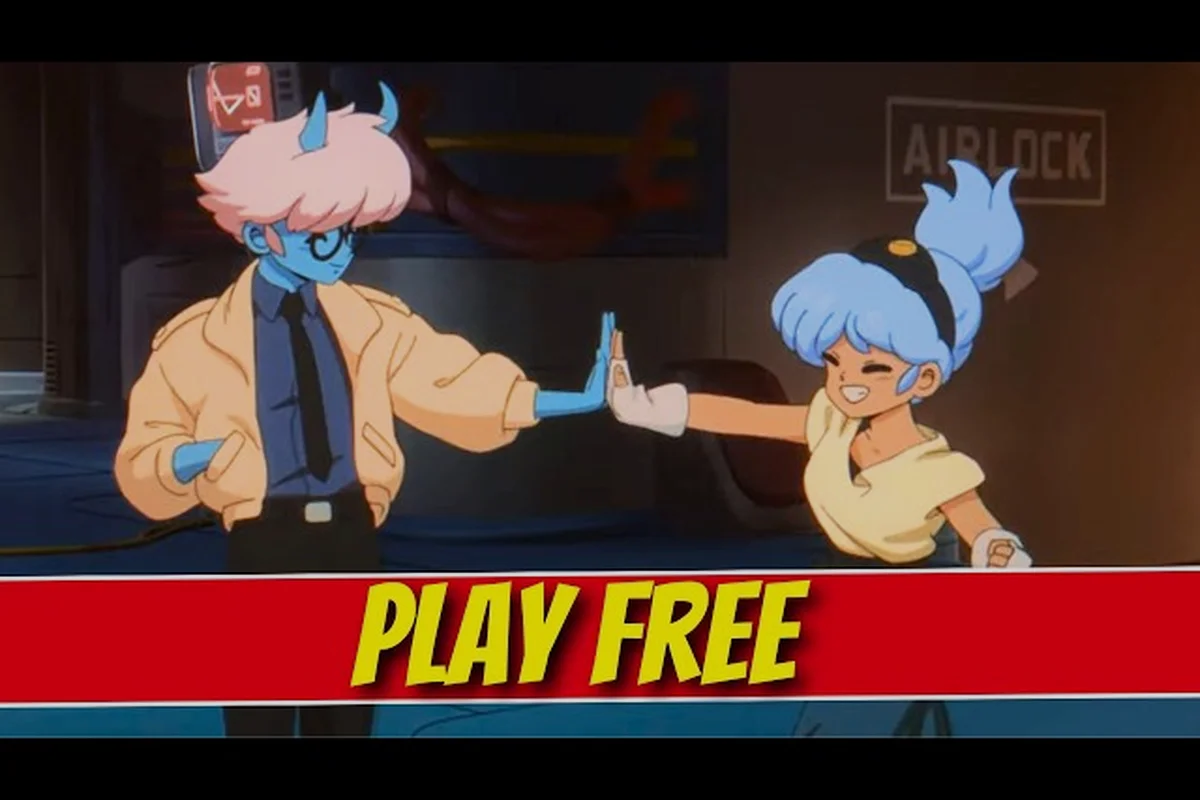
Orbitals friend pass explained: how invites and the app work
Understand the Orbitals friend pass explained in plain terms: how the free app works, what the demo unlocks, and how to invite a partner to play.
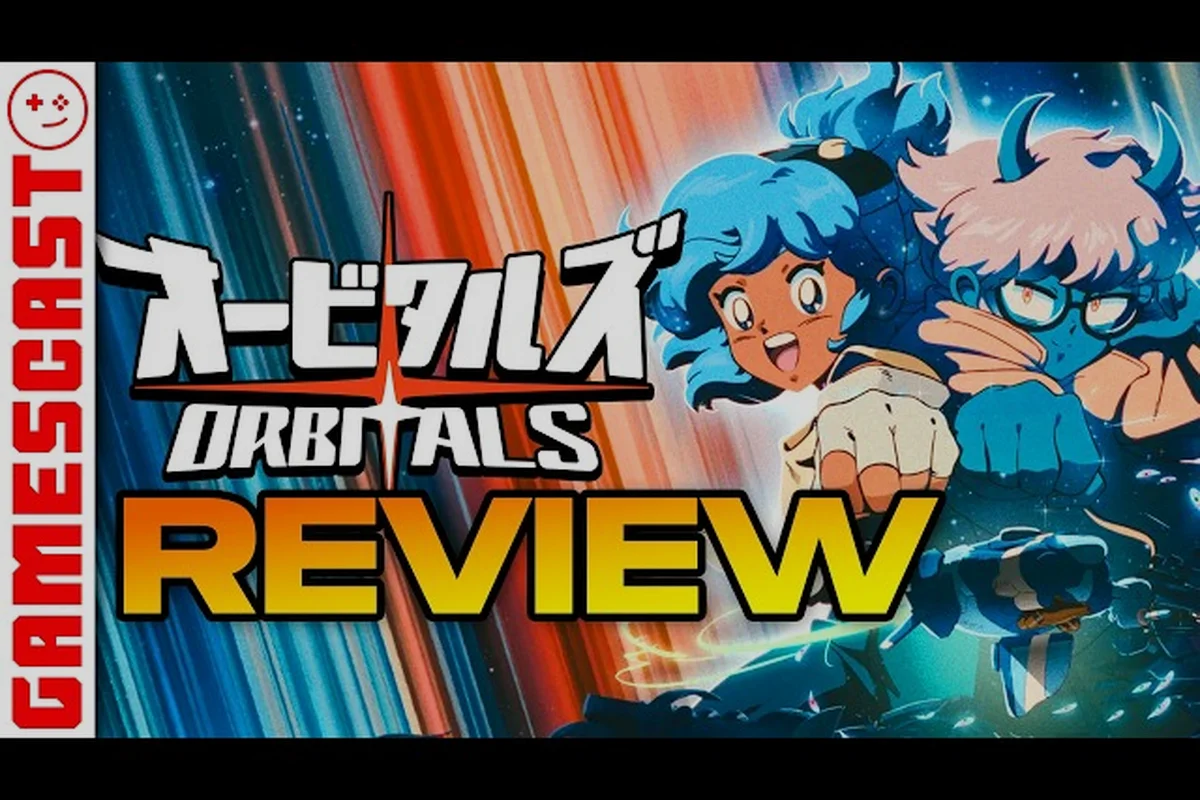
Orbitals online co-op: NSO, GameShare, and cross-play setup
Get Orbitals online co-op running on Switch 2 with Nintendo Switch Online requirements, GameShare setup, two-controller details, and cross-console play.
All Articles
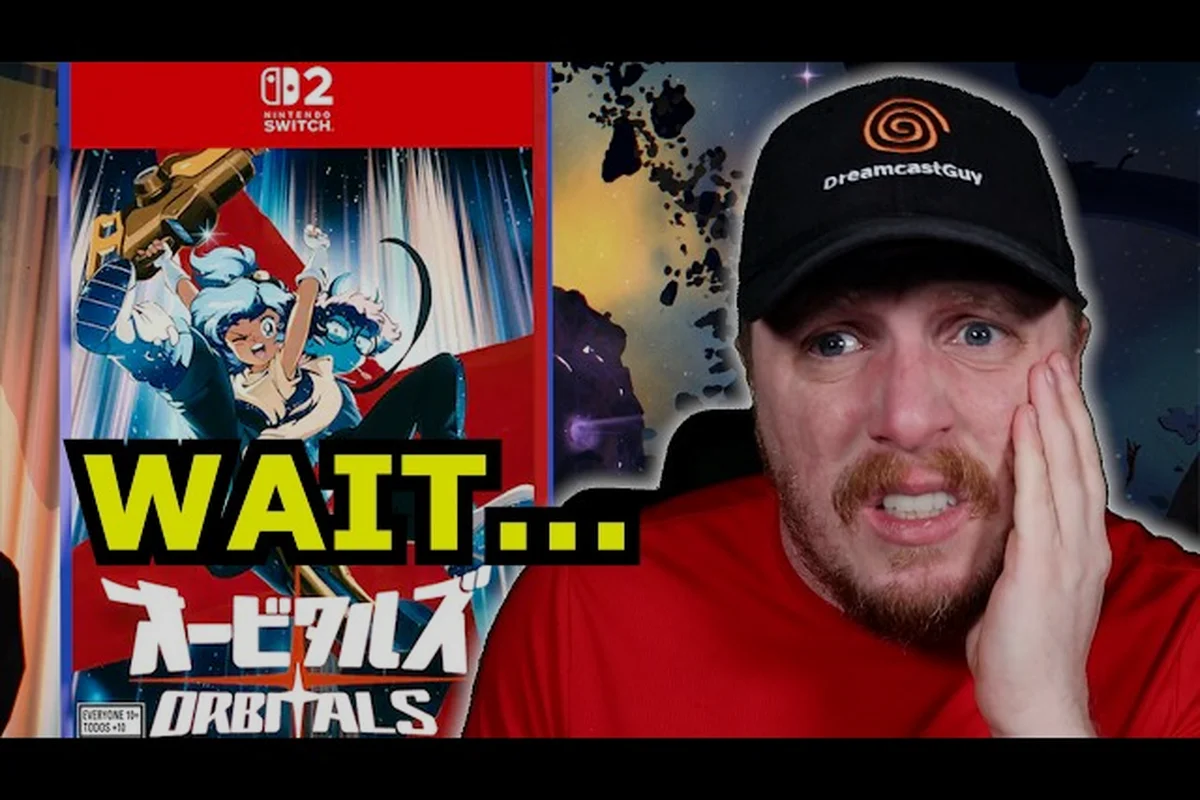
Orbitals online play: console, membership, and device setup
Get Orbitals online play running on Switch: Nintendo Switch Online requirements, two-controller setup, GameShare options, and cross-console play details.
Orbitals single copy two players: Friend Pass co-op setup
See how Orbitals single copy two players works with the free Global Friend's Pass app, what the second player installs, and how asymmetric co-op begins.
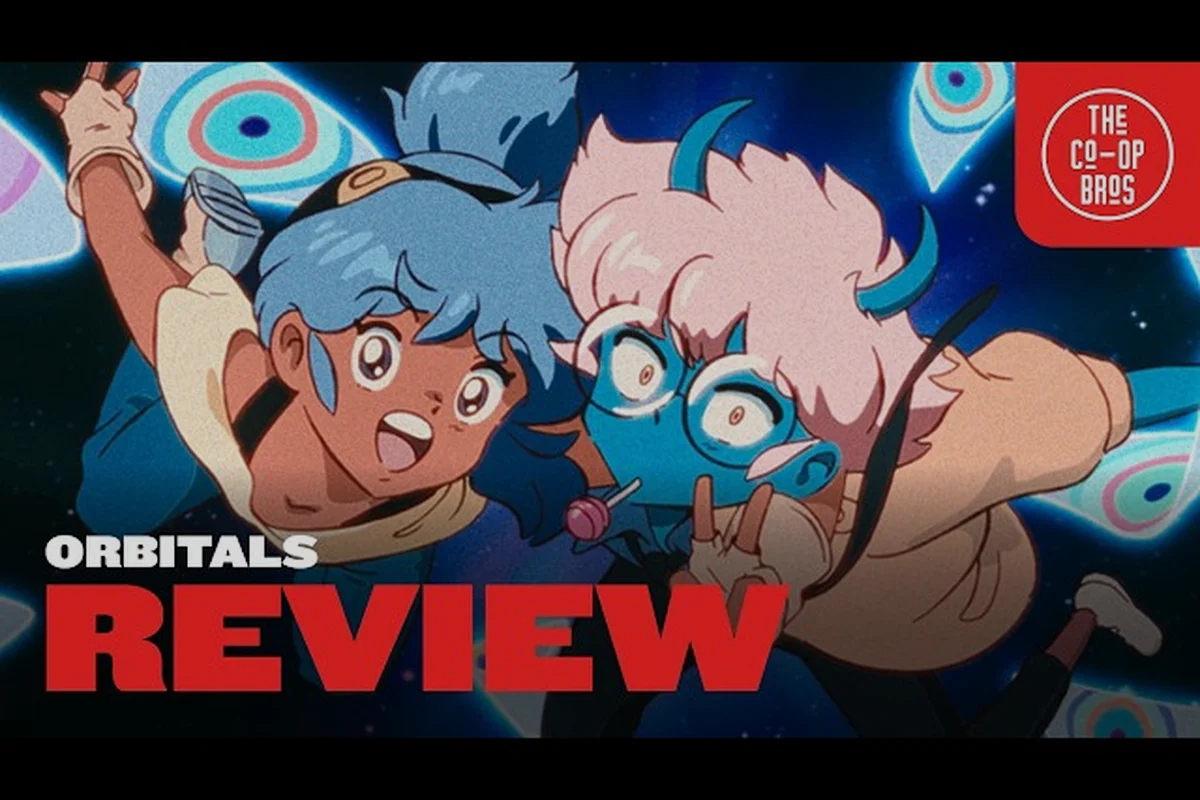
Orbitals split screen: couch play and controller tips
Set up Orbitals split screen on Switch with this local co-op guide covering GameShare, two-controller play, and couch puzzle setup before launch.

Orbitals co-op tricks: voice chat and split-screen setup
Level up your Orbitals co-op tricks with GameChat voice setup, Joy-Con split-screen tips, OLED display tweaks, and free GameShare options for every team.