
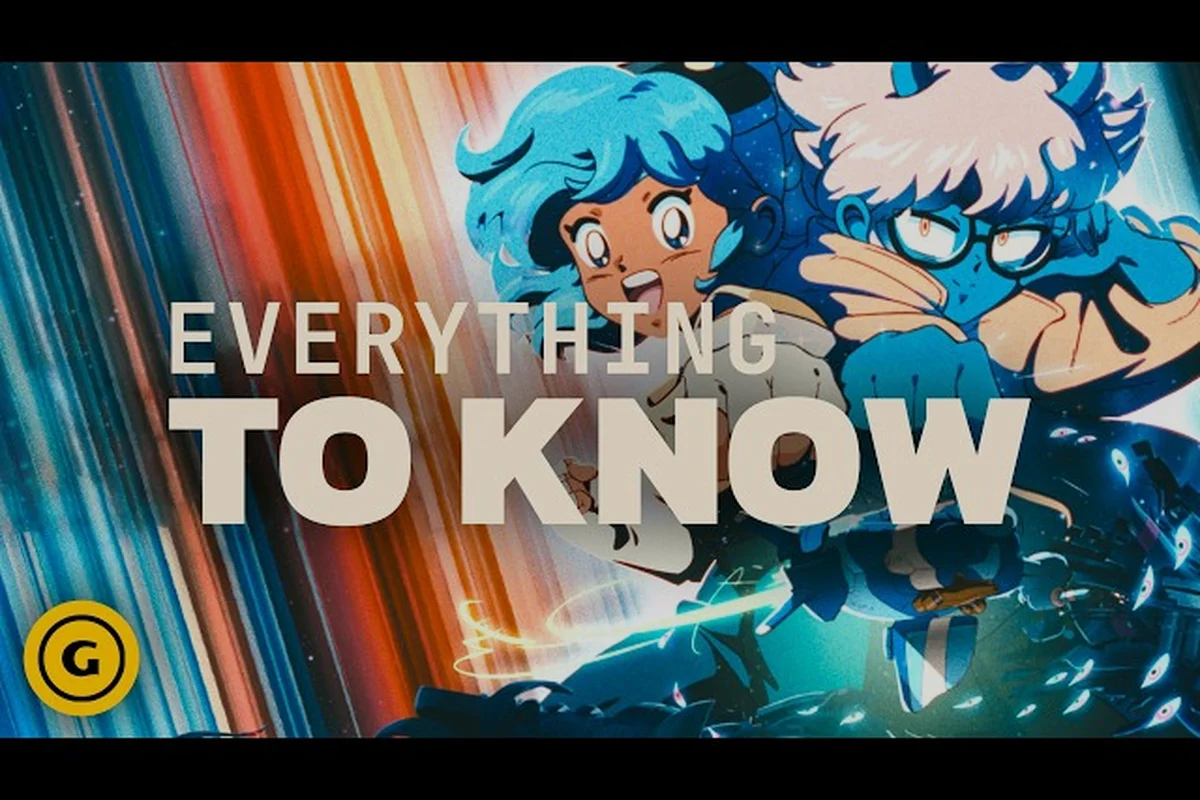
The Orbitals how to get friend pass process is the fastest way for two players to explore Maki and Omura's asymmetric co-op adventure without buying two copies, and the setup only takes a few minutes when you follow the right order. Developed by Shapefarm and published by Kepler Interactive, Orbitals is a 2-player co-op puzzle adventure launching September 3, 2026 exclusively on Nintendo Switch 2, and the Global Friend's Pass system is built directly into the game's free companion app. This walkthrough walks through every step of downloading the pass, linking it to the host's session, and troubleshooting the most common connection issues so you can jump straight into the storm-battered space station with a partner.
Before diving into the download flow, it's worth understanding what the Friend's Pass actually does. The pass is a free companion app that turns a second Switch 2 into a fully functional second player controller, so only the host needs to own the full $39.99 game while the guest streams the session through the app. Because Orbitals is an asymmetrical co-op experience where one player handles navigation and the other controls gadgets, the second screen needs to stay in sync with the host's puzzle state, and the Friend's Pass handles that data link in real time. The result is essentially a free way to play the entire game in Orbitals 2 player co-op as long as one person in your group owns a copy.
Understanding the Orbitals Co-op System
Orbitals is built from the ground up around two-player cooperative play, which is why the Friend's Pass is a first-class feature rather than a tacked-on bonus. According to the Orbitals official website, the title ships with multiple ways to play, and the Global Friend's Pass is positioned alongside local co-op and the free demo as one of three core entry points. The design philosophy mirrors classic couch co-op adventures where one player cannot progress without the other, and the asymmetric tools system means both players are constantly contributing to puzzle solutions.
Co-op Modes Available at Launch
| Mode | Players Required | Cost | Internet Required | Best For |
|---|---|---|---|---|
| Local Co-op (Split-Screen) | 2 | Full game (2 copies optional) | No | Same-room sessions, quick play |
| Global Friend's Pass (Online) | 2 | Host pays, guest free | Yes | Long-distance friends |
| Free Local Co-op Demo | 2 | Free | No | Trying before buying |
| Single-Player (Coming Later) | 1 | Full game | No | Solo practice, post-launch |
The table above maps out every Orbitals all co-op modes option confirmed for launch. Local co-op on a single Switch 2 remains the most accessible choice for players sharing a living room, but the Global Friend's Pass is what unlocks Orbitals multiplayer for friends in different cities. The free local co-op demo is the lowest-friction way to learn the asymmetric tool system, and a single-player mode is reportedly planned for a post-launch update per community chatter, though Shapefarm has not yet committed to a release window.
Asymmetric Gameplay Explained
In Orbitals, the two explorers take on fundamentally different roles rather than simply controlling two copies of the same character. Maki is the mobility-focused explorer who navigates platforms, activates switches, and physically moves objects, while Omura handles the gadget toolkit that opens locked paths and manipulates the environment from a distance. Because these roles are complementary, both players must communicate constantly to solve each puzzle, and a guest joining via the Friend's Pass inherits the same role assignments as if they were sitting next to the host with a second controller.
The asymmetry is the heart of why Orbitals co-op feels different from typical puzzle games. The puzzle rooms are designed around two distinct tool sets, and either side of the equation is generally insufficient on its own. The station walkthrough sections in later chapters lean heavily on coordinated timing, especially during Storm Wall sequences where the host must dodge hazards while the guest manipulates the environment from a safe position. Players who want a deeper look at specific puzzle types can reference the Orbitals station walkthrough for room-by-room guidance.
Getting the Friend's Pass App Installed
The Friend's Pass is delivered as a standalone application, separate from the main Orbitals eShop listing. Because the pass is free, the guest player does not need any payment method on file to download it, and the file size is small enough that it installs in under a minute on most Switch 2 systems. Below is the exact sequence of taps to get the pass ready for linking.
Step-by-Step Download Walkthrough
-
Power on the guest's Nintendo Switch 2 and sign in to the profile you want to use for co-op.
-
Open the Nintendo eShop from the home menu and select the Search function.
-
Type "Orbitals Friend's Pass" (without the quotes) and press confirm.
-
Locate the listing titled Global Friend's Pass by Shapefarm in the results.
-
Select the listing, then choose Free Download to begin the install.
-
Wait for the app to finish installing, then return to the home screen.
-
Launch the Global Friend's Pass app once to confirm it boots correctly.
-
Leave the app running in the background while the host loads Orbitals.
The download step is intentionally simple because the heavy lifting happens during the linking phase. The guest does not need to do anything in the Friend's Pass app after the initial launch, and the host's game will detect the linked pass as long as both consoles are online and signed in to the same friend network.
System Requirements for the Pass
| Requirement | Guest Console | Host Console |
|---|---|---|
| Platform | Nintendo Switch 2 only | Nintendo Switch 2 only |
| Game Copy | Not required | Required ($39.99) |
| Internet | Broadband Wi-Fi recommended | Broadband Wi-Fi recommended |
| Friend Network | Nintendo Switch Online | Nintendo Switch Online |
| Storage | ~250 MB free | Full game installation |
The table above clarifies what each player needs before starting. The host must own the full game, which according to the Orbitals eShop listing launches on September 3, 2026. Both consoles need a stable internet connection, and both players must have active Nintendo Switch Online subscriptions for the friend-link handshake to succeed. The pass itself only needs about 250 MB of free space, which is a tiny footprint compared to the full game's install size.
Linking the Pass to a Host Session
Once both players have completed the download phase, the next step is the actual linking process where the Friend's Pass binds to the host's active game session. This is where most first-timers run into confusion, because the linking is initiated from the host's screen rather than the guest's app. Following the order below prevents the most common "pass not detected" error reported by early testers.
Connecting Two Players Online
The host starts Orbitals and reaches the title screen, then selects Online Co-op from the main menu instead of the standard Play option. The game generates a unique Lobby Code that appears in the top-right corner of the screen, and the code is valid for the next 15 minutes. The guest opens the Friend's Pass app on their Switch 2, chooses Join Lobby, and types the six-character code on the host's screen. After the host confirms the join request in-game, the guest's screen transforms into Omura's gadget interface, and the cooperative session begins.
This online flow is what enables Orbitals multiplayer across distances, and it works across regions as long as both players have a stable connection. The lobby code refreshes each time the host returns to the main menu, so the link is short-lived by design for security. If the guest disconnects mid-session, the host can reissue a new code from the pause menu without losing progress, which is helpful when a friend's internet drops during a puzzle.
Local Co-op on a Single Console
| Option | Setup Time | Best Use Case |
|---|---|---|
| Split-Screen | Under 30 seconds | Two controllers, one TV |
| Gameshare (Same Wi-Fi) | 1-2 minutes | Two consoles in one home |
| Online Friend's Pass | 3-5 minutes | Long-distance play |
| Demo with Friend | 2-3 minutes | Trying the game free |
Players who want a deeper breakdown of the local options can read the Orbitals split screen and gameshare guide for controller pairings, TV layout tips, and split-screen audio balancing. Local split-screen remains the simplest way to experience Orbitals local co-op because it skips the linking process entirely and just requires two registered controllers on a single Switch 2. The free local co-op demo, available on the eShop before launch, lets both players sample the asymmetric tool system without anyone paying, which is a great way to confirm the game clicks with your partner before committing to a purchase.
Troubleshooting Common Friend's Pass Issues
Even with a clean download and a stable network, a few common snags can prevent the pass from linking. Most issues fall into one of three buckets: network configuration, account mismatch, or outdated app versions. The troubleshooting matrix below maps symptoms to the most likely fixes based on community reports from the closed beta.
Common Error Codes and Fixes
| Error | Likely Cause | Recommended Fix |
|---|---|---|
| Pass Not Detected | Guest hasn't launched the pass app once | Open the pass app on guest Switch, then retry |
| Lobby Code Invalid | Code expired (>15 min) | Host generates a fresh code from the pause menu |
| Connection Timeout | NAT type mismatch | Both players set NAT to Open in router settings |
| Friend Not Showing | Not on the same Nintendo friend list | Send a friend request before linking |
| App Crashes on Launch | Outdated pass version | Update the Friend's Pass app via the eShop |
| Role Assignment Glitch | Guest linked after puzzle started | Host returns to lobby, guest rejoins from pass |
The errors above are reported by community testers during the pre-release beta, and Shapefarm has stated that day-one patches are planned to address connection stability. The most frequent cause of "Pass Not Detected" is the guest never opening the pass app after downloading it, because the app needs to phone home at least once to register the install with the friend-link service.
Network Optimization Tips
Because the Friend's Pass streams Omura's gameplay data to the guest's screen in real time, latency matters more than raw bandwidth. A ping under 80 ms is generally smooth, and 60 ms or lower feels identical to local play. Wired Ethernet via a USB-C adapter on the host Switch 2 produces the most consistent results, but a strong 5 GHz Wi-Fi signal works well for most households. Players who want the lowest possible latency can use a mobile hotspot tethered to one of the consoles during travel sessions, although data caps can become an issue on long puzzle runs.
If both players are in the same home, the gameshare flow described in the single copy two players guide is faster than the online pass because it stays on the local network and skips the friend-link handshake entirely. This is a useful fallback when the internet goes down mid-session, since the players can quickly migrate from the online pass to a local gameshare without losing progress.
Maximizing Your Friend's Pass Experience
Once the technical setup is complete, the next step is getting the most out of the co-op session itself. Because Orbitals is built around asymmetric roles, players who coordinate well from the start tend to enjoy the game more than players who improvise every room. The tips below are gathered from community guides, beta tester feedback, and developer commentary shared during the Orbitals reveal window.
Communication and Role Strategy
The single most important factor in Orbitals 2 player co-op is consistent communication between the host and the guest. Maki's mobility tools and Omura's gadget toolkit are designed to chain together, and the puzzles reward players who call out their next action before executing it. Many community testers recommend using a Discord call or in-game ping system to keep both players in sync, especially during timed sequences in the Storm Wall chapters. Players who want a deeper communication framework can reference the friend pass explained guide for role-specific callouts and timing patterns.
Another useful strategy is to designate one player as the "navigator" who decides the route through each room and one as the "mechanic" who handles gadget combos. This informal division of labor reduces decision paralysis during complex puzzles, and it scales naturally as the game introduces new tools in later chapters. The mechanic role tends to suit players who enjoy planning three steps ahead, while the navigator role fits players who prefer fast reflexes and environmental awareness.
Post-Launch and Update Outlook
Shapefarm has hinted that the Friend's Pass system will receive quality-of-life updates in the months following the September 2026 launch. Community requests include a permanent friend list for easy reconnection, cross-region matchmaking for random online pairings, and additional cosmetic items for the guest's pass app interface. The Kepler Interactive publisher page describes the game as a "lovingly crafted retro anime world" with a focus on the cooperative bond between Maki and Omura, which suggests the Friend's Pass will continue to evolve alongside the main game. As of writing, the launch-day version of the pass is feature-complete for two-player online play, and any additions are expected to roll out through standard eShop updates.
Frequently Asked Questions
Does the guest player need a Nintendo Switch Online subscription to use the Friend's Pass?
Yes, both the host and the guest need an active Nintendo Switch Online membership for the online co-op link to succeed. The subscription is required for the friend-list handshake and the real-time data streaming, even if both players are on the same local network. Without it, the pass will detect the host's lobby but fail to authenticate the connection.
Can one purchase the full game and use the Friend's Pass indefinitely with the same partner?
There is no per-session time limit on the Friend's Pass, so a single host can play through the entire story with the same guest without paying anything extra on the guest side. The only requirement is that the host's account owns the full game, and the guest can keep using the same pass on the same friend link for as long as the host keeps the game installed. Players who want to swap roles across multiple runs can also have the guest purchase the full game later and the host switch to the pass for subsequent playthroughs.
Is the Friend's Pass different from the free local co-op demo?
Yes, they are two separate applications with different purposes. The free local co-op demo is a standalone build of the first chapter that runs on a single Switch 2 in split-screen, while the Global Friend's Pass is a lightweight companion app that lets a second Switch 2 join the host's full game online. The demo is ideal for trying the game before launch, and the pass is the full experience for friends who already own a copy.
What happens if the guest's internet drops mid-session?
The host's game will display a "Connection Lost" message and automatically save the progress to the most recent checkpoint. Once the guest's connection is restored, the host can reissue a lobby code from the pause menu, and the guest can rejoin the same session from the pass app without losing puzzle state. This resilience is one of the design goals Shapefarm highlighted during the game's reveal window on the official YouTube channel.
Can the Friend's Pass be used across different regions or countries?
Yes, the pass is region-free, which means a player in North America can play with a partner in Europe or Asia as long as both consoles are connected to stable internet. Matchmaking latency scales with physical distance, so a transatlantic link may show 120-180 ms ping, but the game is designed to remain playable at those ranges. Community testers report that pings up to 200 ms still feel responsive, though they recommend voice chat to compensate for any input delay.